

Try CYNY CAD
Get hands-on with our schematic and layout tools using template projects and reference designs. Focus on what matters—circuit design and layout—while we handle the complex setup and component libraries. Perfect for learning PCB design or evaluating our platform.
Request Demo AccessIt's Easy!
Log In
Your login gives you access to our schematic and layout tools. Our web-based schematic tool will work with any computer, but make sure to check that your PC meets the requirements for our layout tool. Sign up to create your CYNY CAD account.
Logic
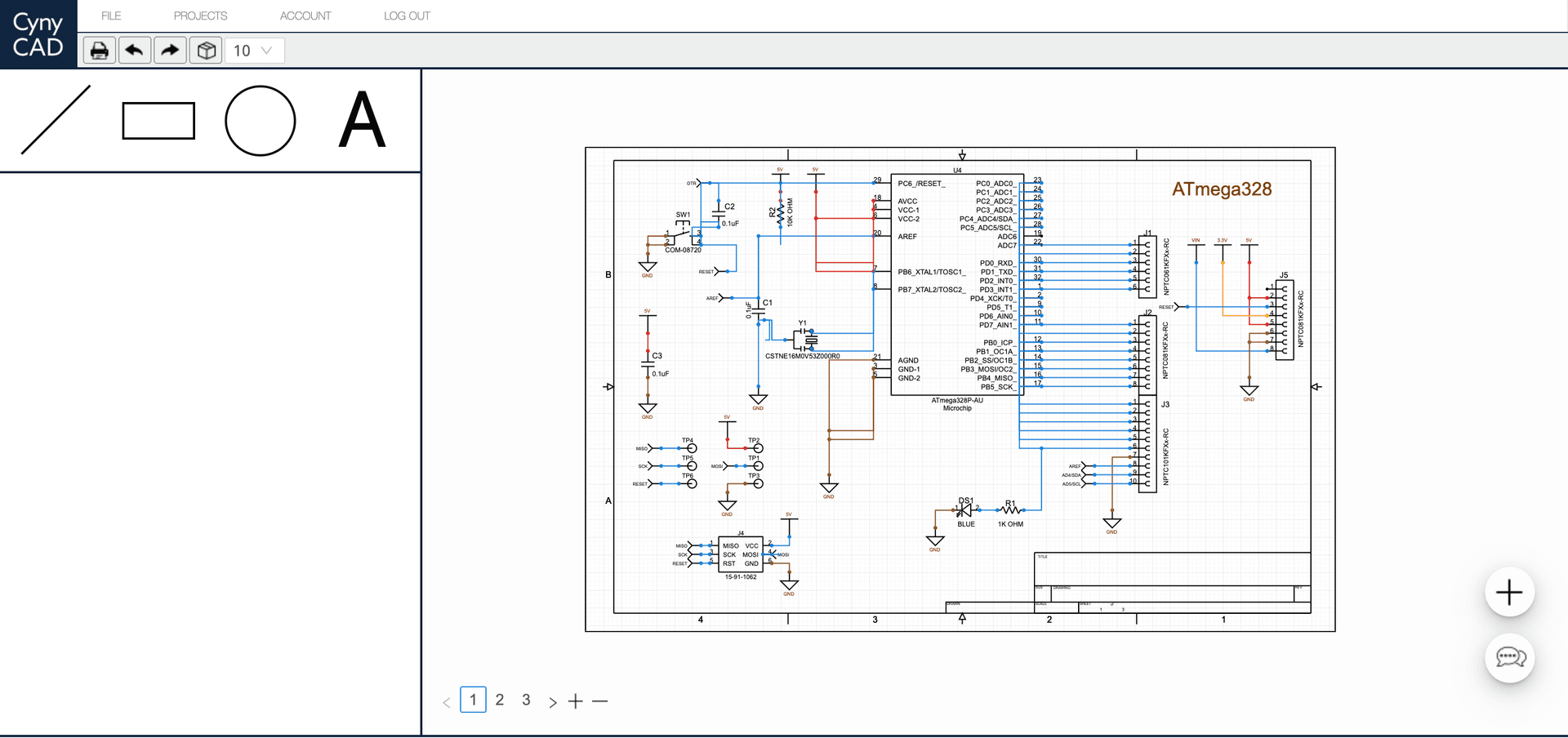
After logging in online, you'll have full access to our schematic tool from within your browser. Start with a reference project which includes a library of schematic symbols for every component needed to recreate the board's circuitry.
Layout
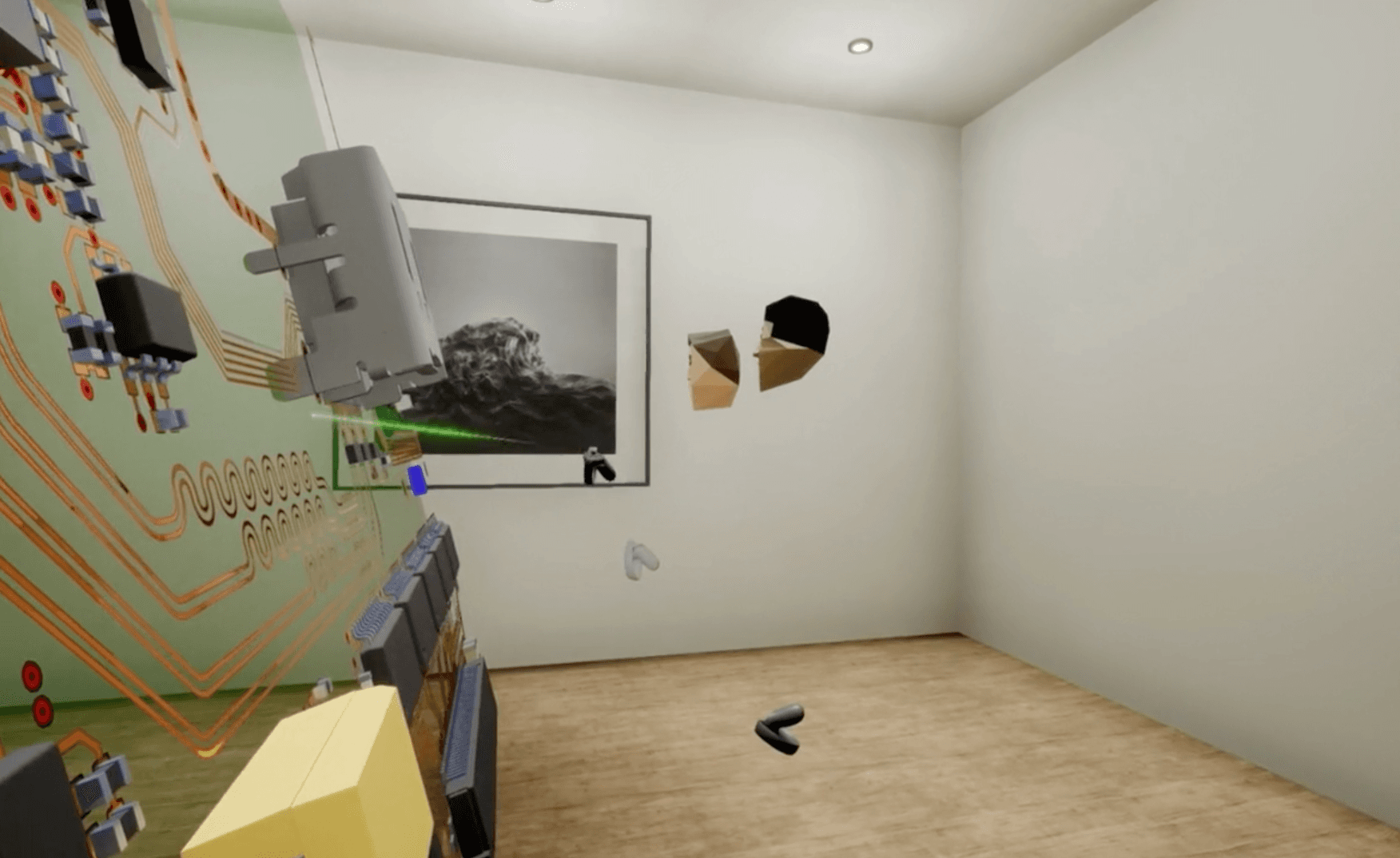
Pick up where you left off online. Using your VR headset or Windows PC, launch the CYNY CAD layout tool. Log in using the same credentials as your online account to have access to all of your cloud based schematic projects for layout.
Supported Voice Commands:
- Show Main Menu
- Show Layer Background
- Display Layer Text
- Enable Layer Colors
- Show Schematic
- Display Controls
- Reset Board View
- + more
Recommended Specs:
Graphics Card: NVIDIA GTX 1080 or greater
CPU: Intel Core i7-5820K or greater
Memory: 8GB+ RAM
OS: Windows 10/11